Simple Flight Suite Plan · Track · Dispatch · Fly

Plan Set up Fly Review

Nine Tools for One Flight.

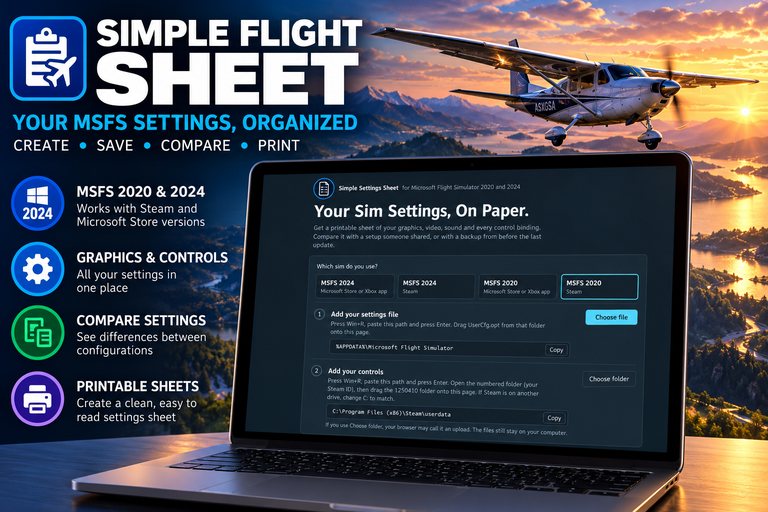
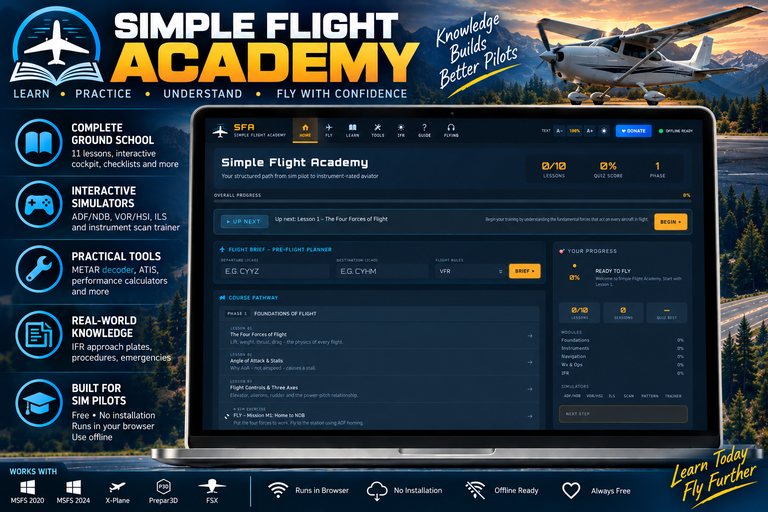
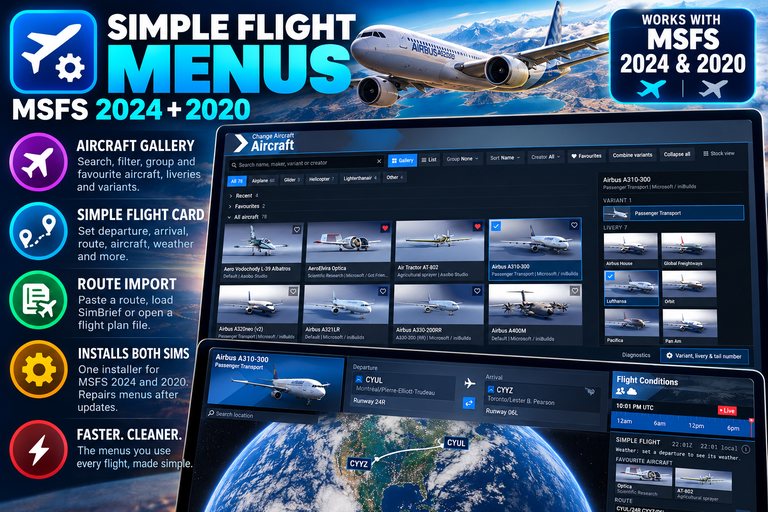
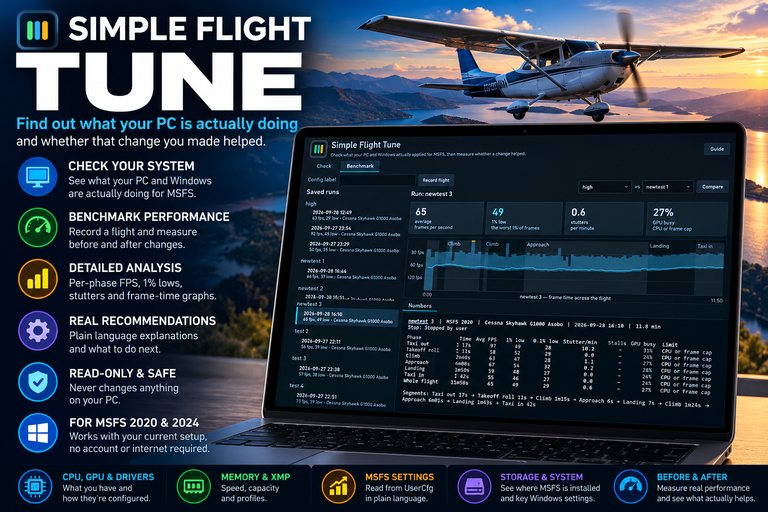
The Simple Flight Suite is a set of apps for Microsoft Flight Simulator that cover a flight end to end: planning it, setting up the rig, flying it, and finding out afterwards how it went. The two you will use most are free. The rest are thank-you gifts for the people who support my work.

Start With These Two

The planner and the tracker are free and always will be. They are complete applications, not demos of something better — there is no paid tier of either one.

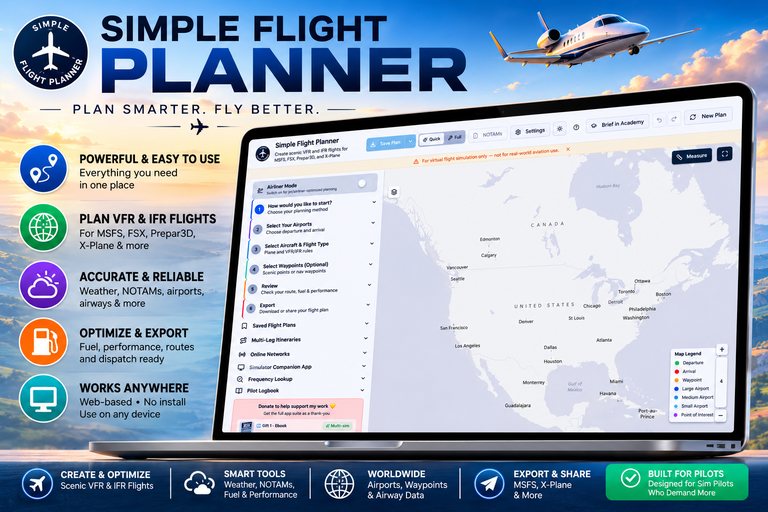
Simple Flight Planner open in a laptop browser, showing the step-by-step planning panel beside a map of North America.

Simple Flight Planner

Runs in your browser

Plan smarter, fly better. Real navigation data, dispatch-grade numbers, and a map you can actually plan on — free, in your browser.

  • VFR and IFR on real navigation data
  • Airways, SIDs, STARs and approaches
  • Dispatch fuel, weight and balance, ETOPS
  • Exports to every major sim, or shares as a link

Free, in full

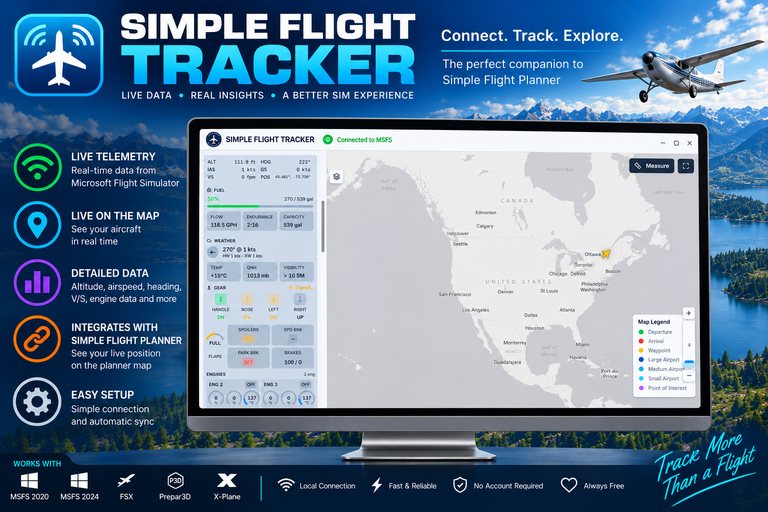
Simple Flight Tracker on a desktop monitor: a live systems panel showing altitude, fuel, weather, gear, flaps and engine data beside a map of North America.

Simple Flight Tracker

Windows app

Connect, track, explore. Live data from the sim: your aircraft on the map and every system on one panel.

  • Live telemetry
  • Live on the map
  • Fuel at a glance
  • Weather where you are

Free, in full

Why the Apps Are Gifts, Not Products

Because these apps are worth more together than apart, and putting a checkout page between them would have wrecked the thing that makes them good. The longer answer is on its own page.

What Supporters Get

  • Every app here, current and future.

    No keys, no accounts, no per-app checkout.

  • Any amount.

    There is no tier and no minimum. A dollar gets the same thank-you as a hundred.

  • Two apps you can use right now.

    The planner and the tracker are free, in full, with no donation.