 Simple Flight Suite
 Simple Profile Manager
Take control, save time, fly more. Manage, back up and restore your MSFS settings profiles.
Thank-you gift Windows app. A thank-you gift for anyone who supports my work.
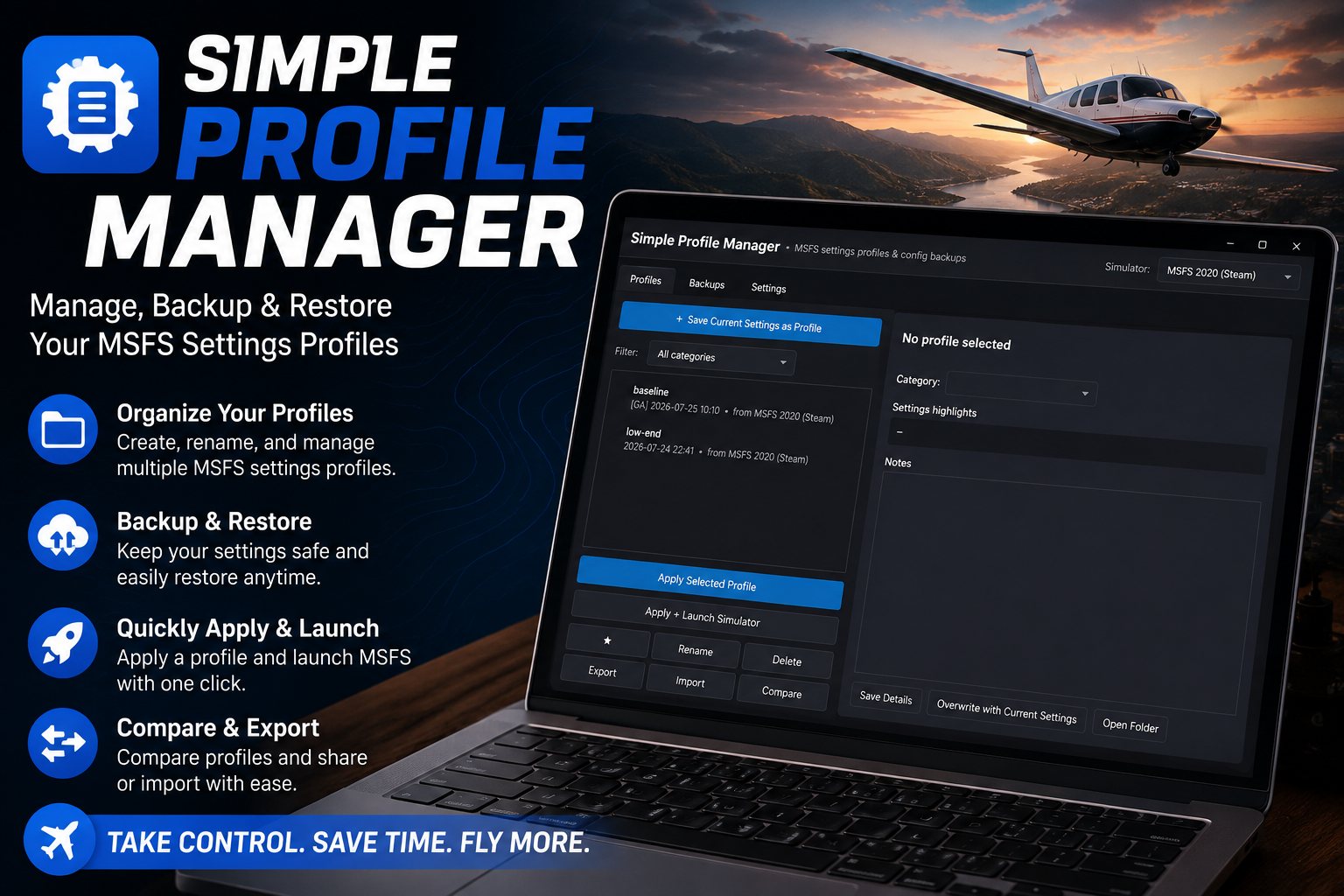
You tune your settings for a GA panel, then spend an evening re-tuning everything for an airliner cockpit, and then again for VR. Simple Profile Manager lets you save as many profiles as you like and switch between them in one click.
It also backs up the config files the simulator does not protect for you — Content.xml, your camera views, your controller profiles — so a bad settings night is never permanent.
Profiles
- As many as you wantTagged GA, Airliner, VR, Benchmark, or whatever you call yours.
- Apply and launchSwitch profile and start the simulator in a single click.
- Compare side by sideAny two profiles, colour-coded, so you can see exactly what differs before you commit.
- Export and shareA profile goes out as one file that anyone can import.
- Steam and Microsoft StoreKept separate, because they are separate installs.
Backups
- Before every changeAn automatic safety backup is taken before any apply or restore.
- The files MSFS leaves exposedContent.xml, CAMERAS.CFG, exe.xml and your controller profiles.
- On a scheduleEvery 7 or 30 days, with old ones pruned automatically.
On This Page
Works With
- Simple Dispatch
Pair a settings profile with an add-on set and a launch flow for a complete rig setup.
Simple Flight Planner, Simple Flight Tracker, Simple Settings Sheet, Simple Flight Academy, Simple Traffic Compiler and Simple Flight Traffic are free to everyone. The rest, this one included, are what I send back to people who support my work — all of them, together.