 Simple Flight Suite
 Simple Settings Sheet
Your sim settings, on paper. Create, save, compare, print.
Free, in full Runs in your browser. Always free. No install, no account.
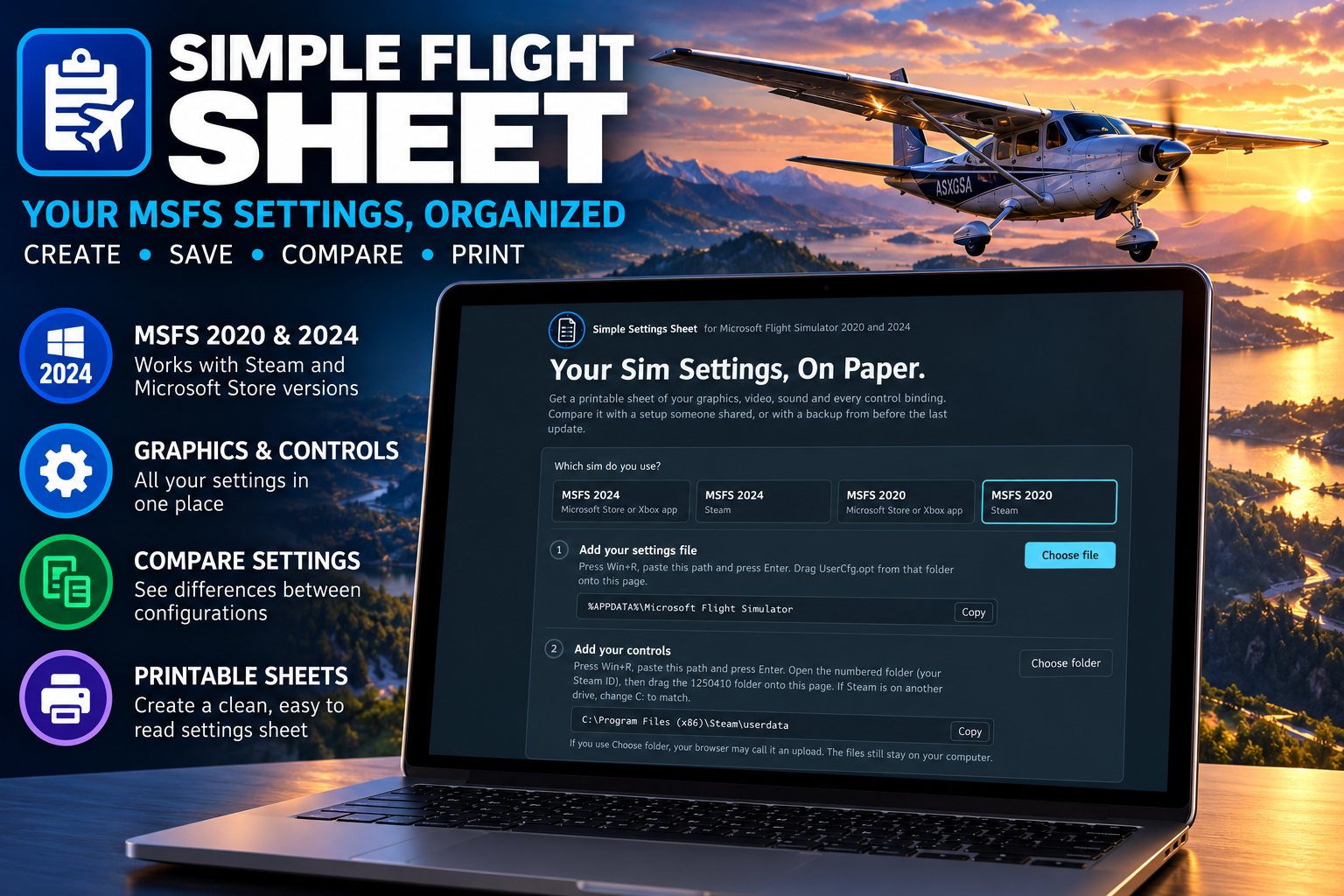
Get a printable sheet of your graphics, video and sound settings and every control binding you have. Compare it with a setup someone shared, or with a backup from before the last update.
It reads your UserCfg.opt and your controller profiles and lays every setting and binding out in plain language — including axis sensitivity, dead zones and reactivity, which are the ones nobody can ever find again.
It runs entirely in your browser. Nothing is uploaded, there is no install and no account.
What It Reads
- Your settingsGraphics, video and sound, out of UserCfg.opt.
- Every bindingAll your controller profiles, in plain language, with axis sensitivity, dead zones and reactivity.
- It finds the files for youPick your version — MSFS 2020 or 2024, Microsoft Store or Steam — and it shows the exact folder with a copy button. Press Win+R, paste, and drag the file or folder onto the page.
Print and Export
- Print what you chooseEverything, or only the parts you want: one section, one controller, one group of bindings, or single rows.
- Export to a spreadsheetSettings and controls both come out as CSV for Excel or Google Sheets.
Compare
- With someone else's setupPaste what they posted and every line that differs is highlighted. You can print just the differences.
- With your own backupDrop an older UserCfg.opt in next to the current one and see exactly what an update changed.
- Share yoursCopy shareable setup gives you text to post in a thread, with your install path removed. Anyone can paste it back in and compare it against their own.
On This Page
Works With
- Simple Profile Manager
If an update has ever reset your settings, Profile Manager keeps automatic backups of the files MSFS does not protect.
- Simple Flight Tune
Tune reads the same settings to tell you what your machine actually applied, and measures whether a change helped.
Simple Settings Sheet is free to everyone — no donation, no account, no locked features. The apps marked as thank-you gifts are what I send back to people who support my work — all of them, together.