 Simple Flight Suite
 Simple Dispatch
Manage your MSFS add-ons with ease. Take control, keep it simple.
Thank-you gift Windows app. A thank-you gift for anyone who supports my work.
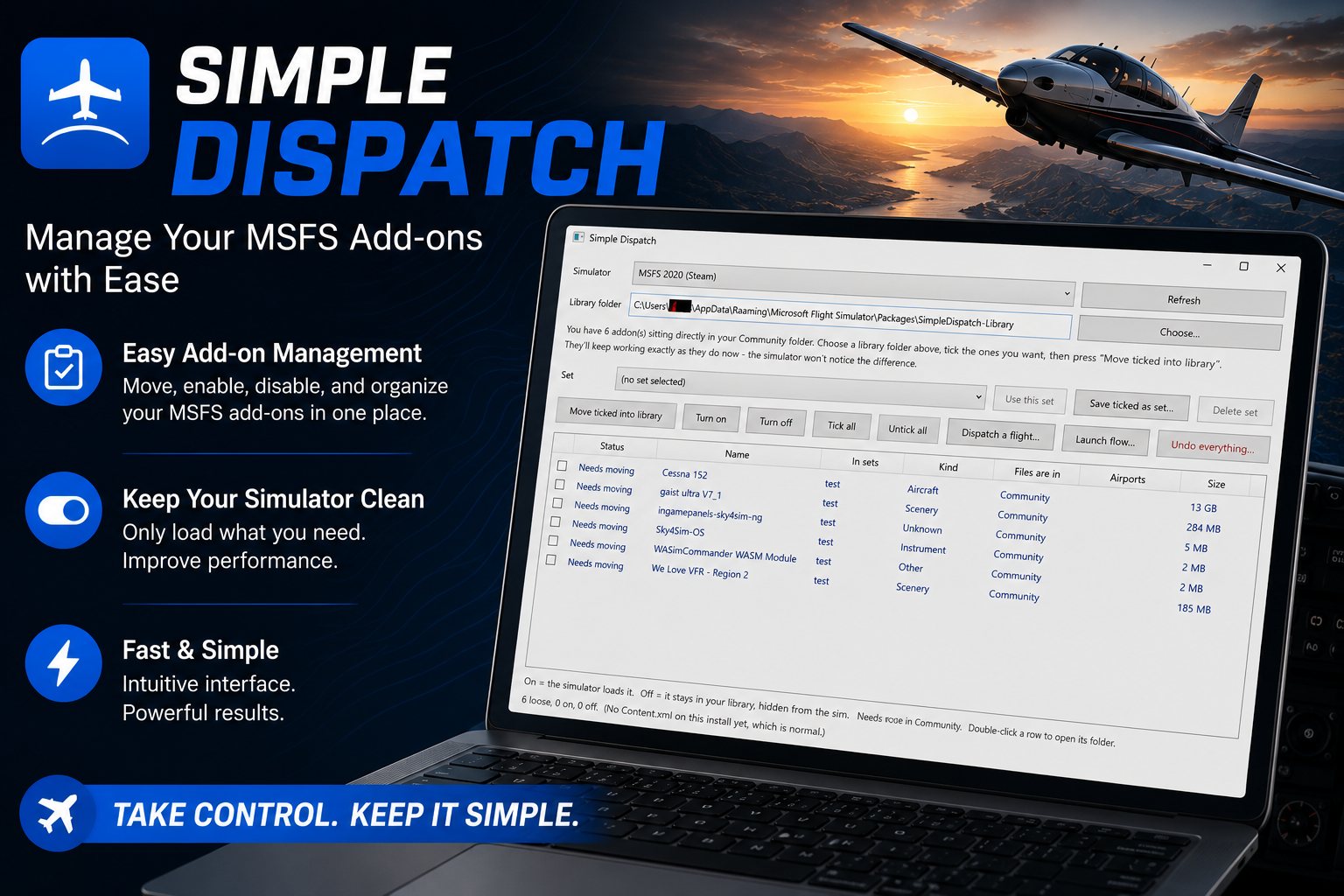
A Community folder with a few hundred packages in it makes the simulator slow to load and hard to troubleshoot. Simple Dispatch lets you keep everything installed and load only what this flight needs.
It moves your add-ons into a library folder of your choosing — any drive you like — and puts shortcuts in Community for the ones you have turned on. The simulator follows the shortcuts and cannot tell the difference. Turning something off removes a shortcut. It never removes an add-on.
Your Add-On Library
- Out of Community, onto any driveMove packages to a library folder wherever you have room.
- On and off in a clickNothing is ever deleted. Off means the package sits in your library, hidden from the sim.
- SetsSave a group of add-ons and switch between them instantly — bush kit, airliner kit, whatever you fly.
- Dependencies followedLiveries and object libraries keep working, because what they depend on comes with them.
- Steam and Microsoft StoreBoth install types, detected for you.
- Installs without admin rightsA normal Windows installer. It does not need to be run as administrator.
- Undo everythingOne button puts your whole collection back the way it was.
Dispatch a Flight
- Enable exactly what the route needsType in a route and Dispatch turns on the scenery and the aircraft that flight actually uses.
- Routes from anywhereSimple Flight Planner, SimBrief, a .pln file, or typed by hand.
When Something Is Broken
- Community folder doctorWhen an add-on simply does not show up, the doctor scans the folder and tells you why in plain language.
- It knows the usual culpritsA missing or malformed manifest, a package nested one folder too deep, duplicates, broken shortcuts, a package built for the other version of the sim, a missing dependency.
- Every finding comes with the fixAnd the safe ones can be repaired in a click.
Starting Up
- Launch flowsStart your tools and then the simulator, in the order you want, with delays where you need them.
On This Page
Works With
- Simple Flight Planner
Dispatch a flight from a Simple Flight Planner route and it enables what that route needs.
- Simple Flight Tracker
Put the Tracker in a launch flow and the sim connection comes up with everything else.
- Simple Profile Manager
Pair an add-on set with a settings profile for a complete rig setup.
Simple Flight Planner, Simple Flight Tracker, Simple Settings Sheet, Simple Flight Academy, Simple Traffic Compiler and Simple Flight Traffic are free to everyone. The rest, this one included, are what I send back to people who support my work — all of them, together.